YouTube Shorts is a relatively new feature that allows creators to create and upload short vertical videos. It’s a response to the popularity of apps like TikTok and Instagram, and it’s quickly becoming a popular way to create and share content on YouTube. The short form video contents like YouTube Shorts are becoming more and more popular among content creators and viewers alike. The short duration and vertical orientation are perfect for quick, attention-grabbing clips that can be consumed on-the-go. As a result, many creators are turning to YouTube Shorts as a way to grow their audience and connect with viewers in new ways.
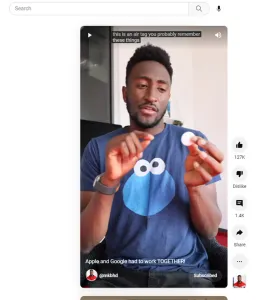
Well, while these short duration vertical videos are ideal to view on mobile devices, but on desktop screens, some viewers may prefer to watch them like the normal standard YouTube videos having horizontal rectangular player, as it allows for a larger and more immersive viewing experience.
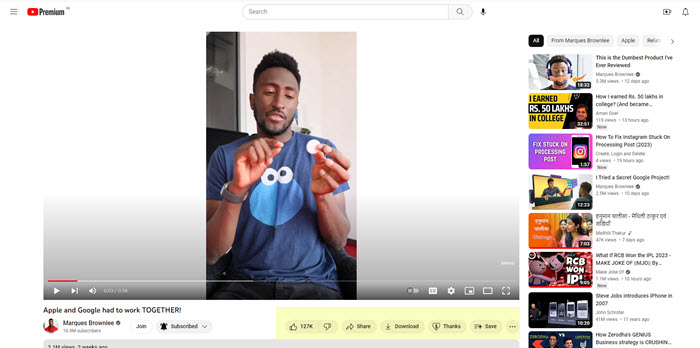
However, it should also be noted that there are certain advantages to viewing vertical videos on a mobile device, such as the ability to easily swipe between videos. But as this doesn’t apply to desktop screens, many users may prefer to watch YouTube Shorts videos as the standard YouTube videos.
Benefits of Standard YouTube UI
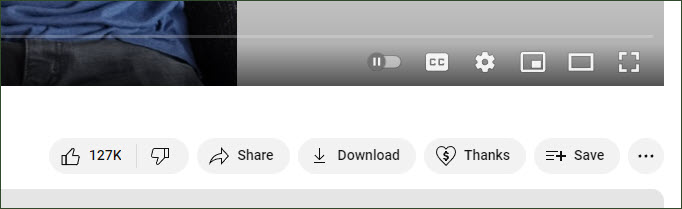
The standard YouTube UI offers more controls and features as compared to the Shorts UI. In the standard UI, you can find options for adding the video to your YouTube playlists, download the YouTube videos, change playback speed and quality of the video etc.
Shorts to Standard
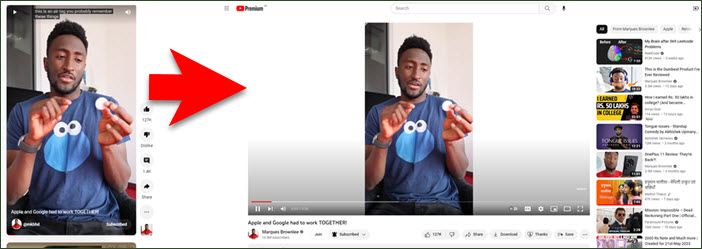
Thankfully, YouTube itself offers an easy way to switch short videos to normal standard videos. Let’s assume that your Shorts video has the following URL:
https://www.youtube.com/shorts/DO1PJYAQj0c
The last part of above URL, DO1PJYAQj0c, is the video ID of the above Shorts video. Now, you can open the following URL to watch the above same video in the standard UI:
https://www.youtube.com/watch?v=DO1PJYAQj0c
There’s an extension for that
We have a created a tiny Chrome extension to further simplify the above process. Just install our YouTube Shorts to Standard Videos browser extension from here, and use it whenever you want to watch a YouTube Shorts video in standard normal view.
How to Use?
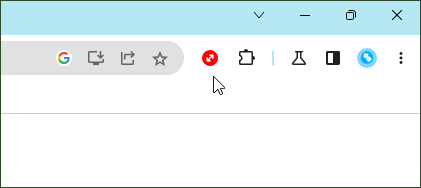
Once you have installed the extension, pin its icon to the browser toolbar following this tutorial. Click on this icon whenever you want to use the extension.
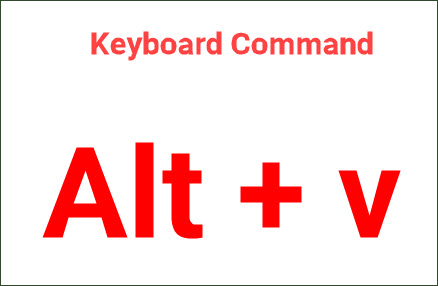
Alternatively, you can also use the keyboard command Alt + v for the same purpose.
This extension should work fine with recent versions of Google Chrome, Microsoft Edge, Vivaldi, Brave and other Chromium-based browsers.
If you like this extension, please rate and review it on the Chrome Web Store. Feel free to leave a comment below, if you have any suggestion or feedback.
how can we convert youtube short to normal video? like change it to the regular rectangular video size?
Can I take the videos on kit dls and trim and download them into shorts for personal storage?
Can you please create a youtube shorts downloader chrome extension?